Firmware and SD manager
Build your TamaPoke.
Flash the board, install only the regions you need, and keep a restorable copy of your trainer, Pokemon, party, box, badges, and settings.
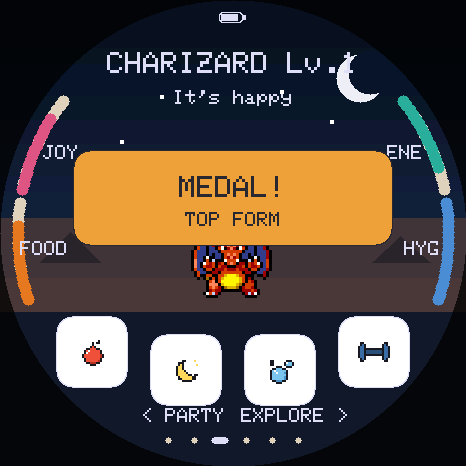
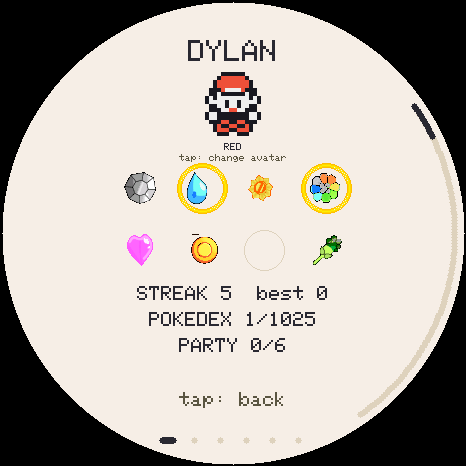
Board firmware
Choose a version and flash
Loading firmware catalogue...
Every version includes the whole game and loads region art from microSD.
Back up save reads, verifies and downloads the current save. Install firmware opens the flasher. Use both when updating a board; each needs its own click and board selection because the browser grants serial access one action at a time. A brand-new board can go straight to Install firmware.
Changelog
Current Pages build
Loading version notes...
Updating an existing board
Leave Erase device unchecked. A normal update preserves the save in flash and every sprite on the microSD. Erasing has no undo, so make a backup below first.
A brand-new board may only appear in download mode: hold BOOT, tap RESET, then release BOOT.
microSD library
Sync region packs
One connection manages packs and saves. After a firmware install, the page finds the board again by itself once the install dialog is closed.
Save vault
Back up or restore your game
Download backup
Exports the complete save from internal flash: the live Pokemon, party, box, Pokedex, badges, inventory, and settings.
Restore backup
This page checks the length, format and checksum before sending anything and keeps a copy of the save it replaces. The firmware validates the backup again before replacing your save, then restarts.
Recent backups
Kept in this browser
A convenience, not a backup. These live only in this browser on this computer, and are lost if you clear site data, use private browsing, or move to another machine. The downloaded .tpsave file is the real backup — keep it somewhere you trust.
Live output
Activity
Ready. Flash the firmware or connect a running board.